Guides to AI with no internet
Short, plain guides for people setting up Aboki: on their own phone, for their children, or for a whole school.
 Start hereHow to use AI on your phone with no internet or dataMost AI apps send every question to a server. Here is how an offline AI app works on an Android phone, what you need, and what to expect.
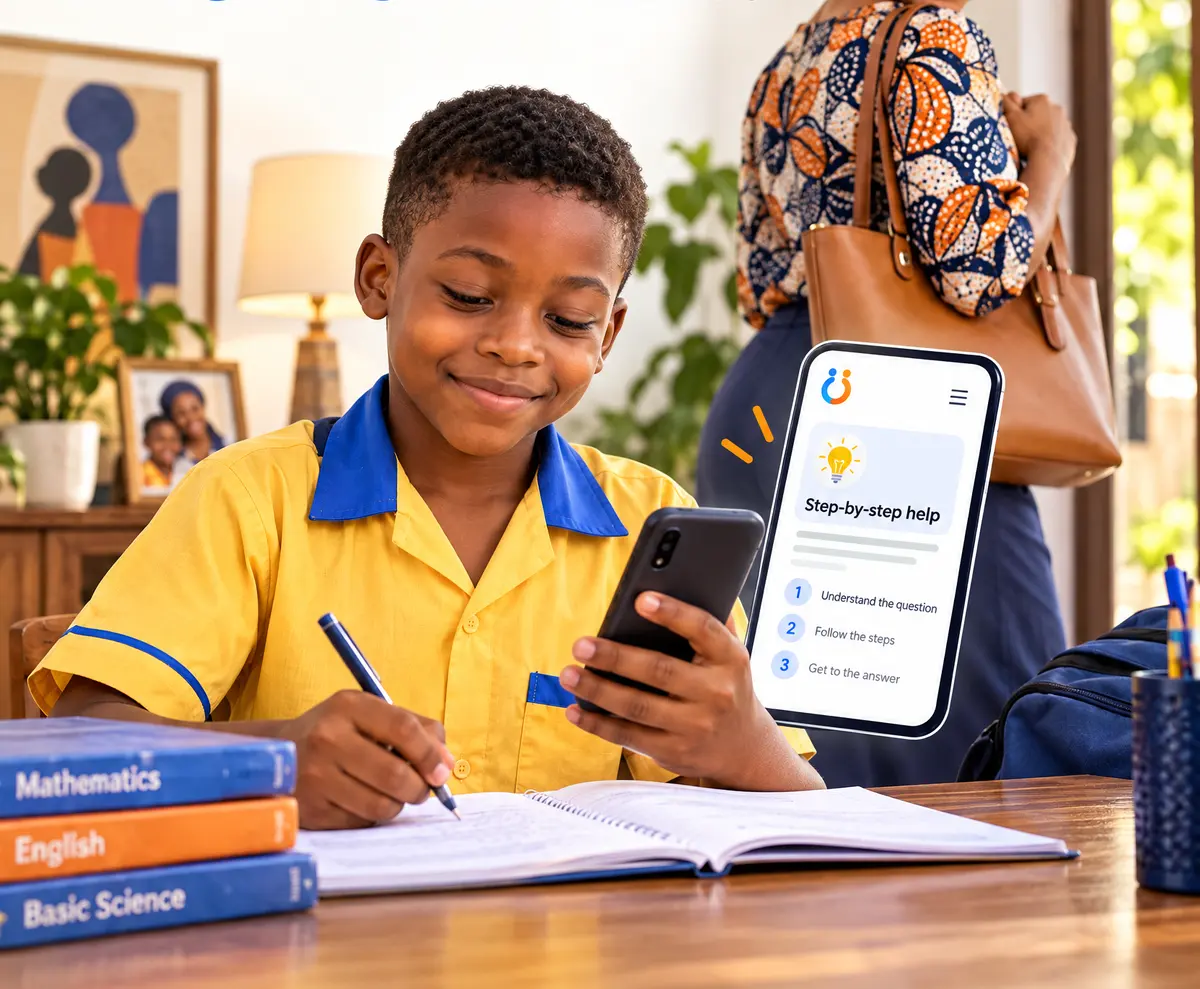 ParentsHomework help without the internet: a guide for parentsHand your phone to your child for homework without handing them the internet. How to set up Aboki homework mode with a parent PIN in five minutes.
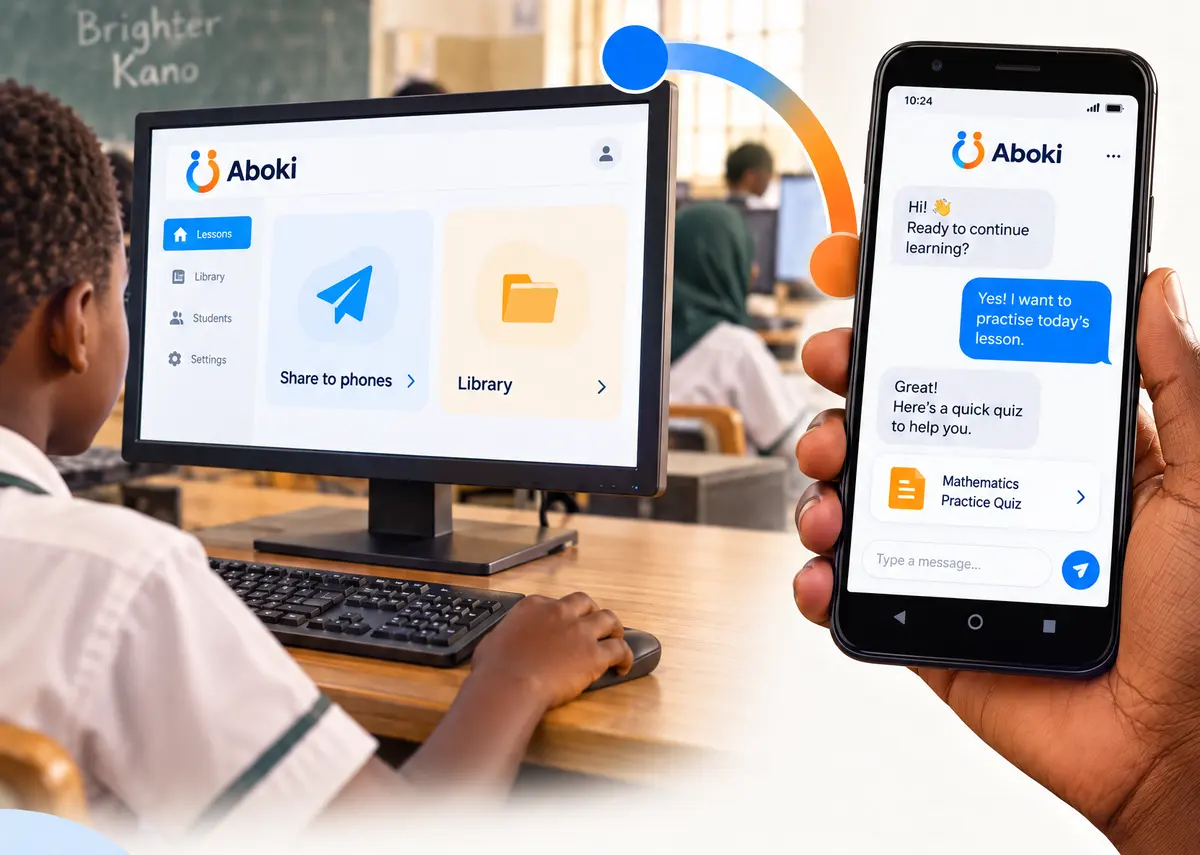 Getting startedHow to share Aboki from phone to phone with no dataSend the Aboki AI model to another phone with Xender, Nearby Share, Bluetooth or an SD card. Step by step, with no mobile data used.
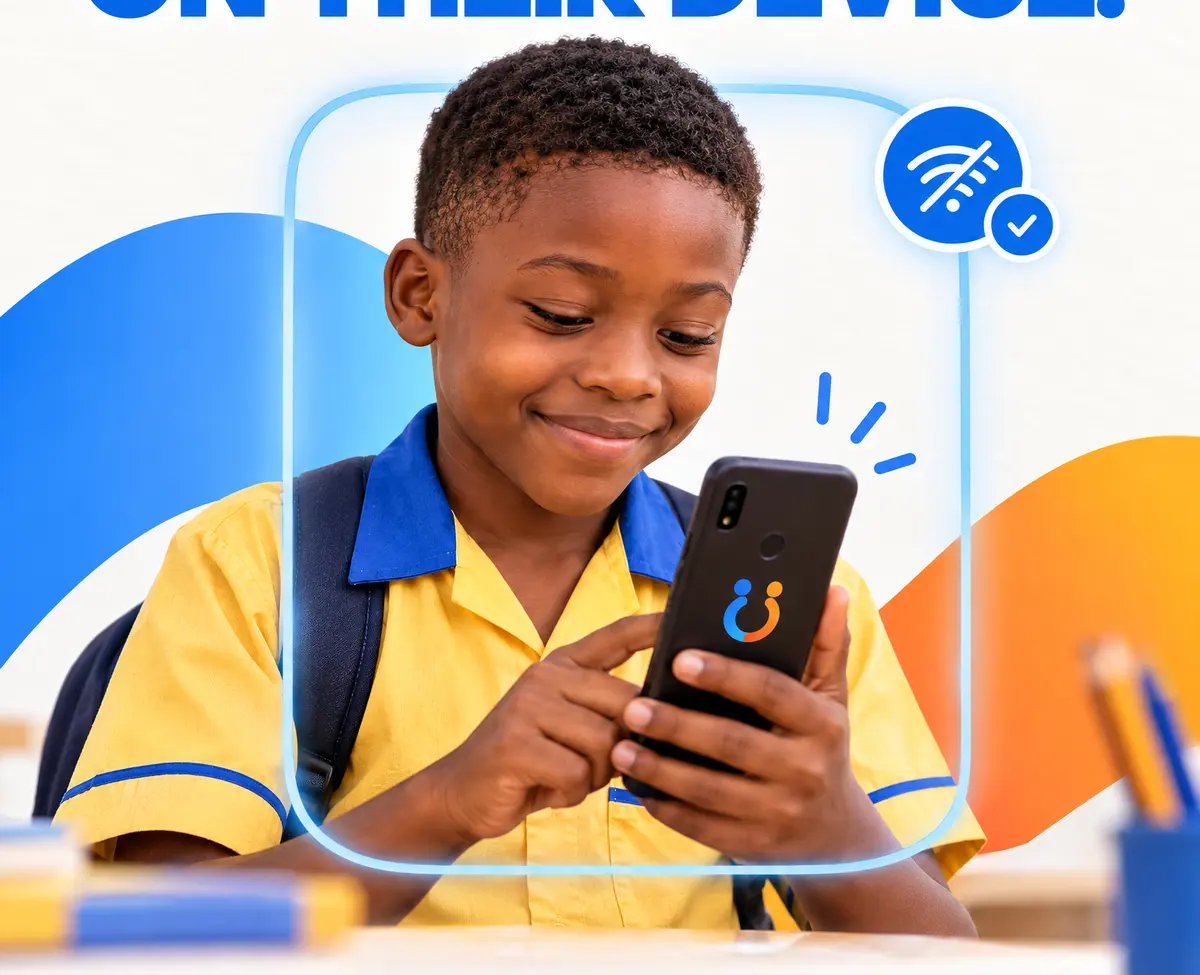 How it worksWhich phone can run offline AI? Memory, storage and the right modelHow much RAM and storage you need to run AI offline on an Android phone, how to check yours, and which Aboki model fits a 3, 4 or 6 GB phone.
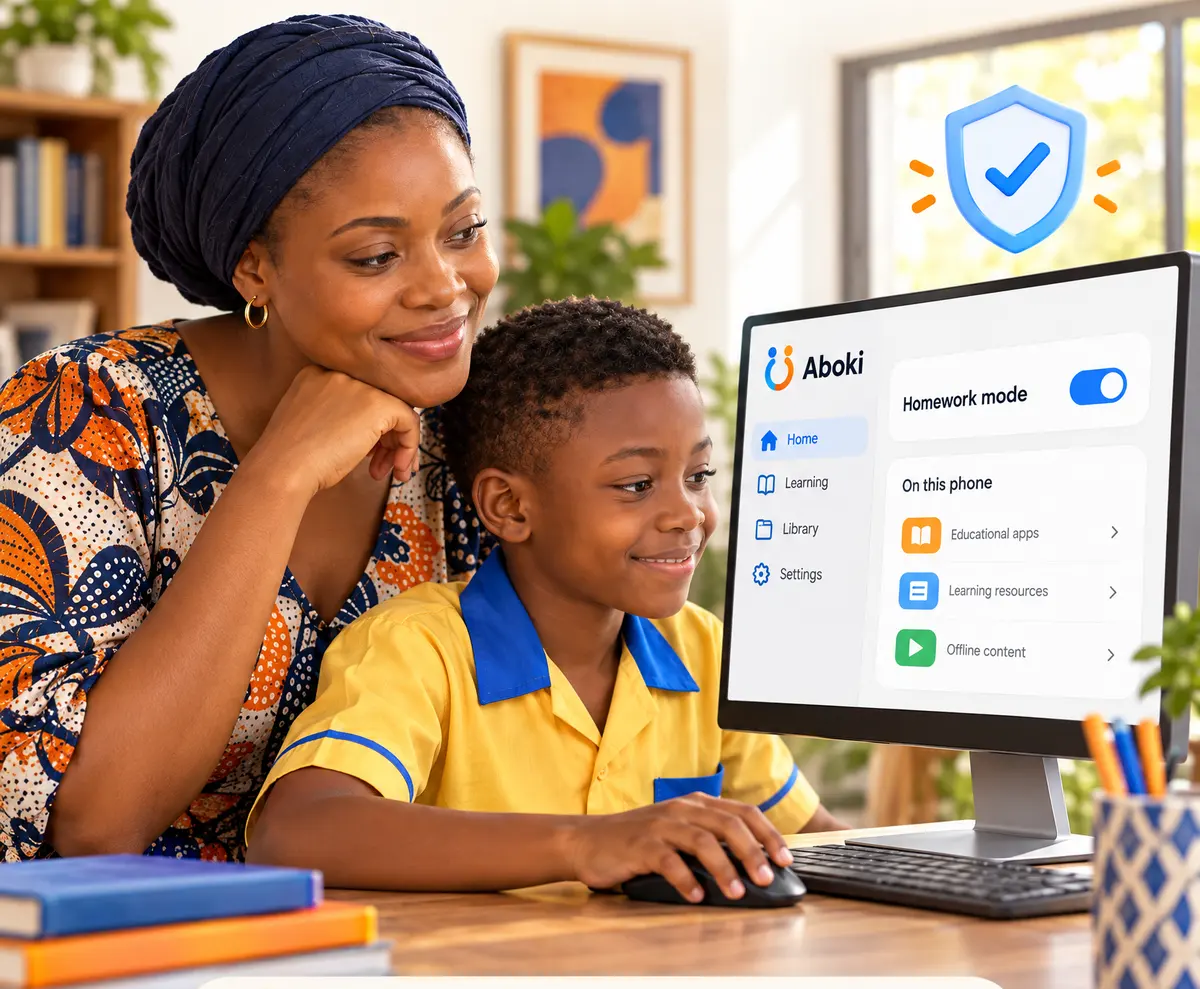 PrivacyA child's question is not a profile: why on-device AI protects privacyWhen AI runs on the phone, a child’s questions never leave it. What that means for privacy, what parents can see, and what still needs care.
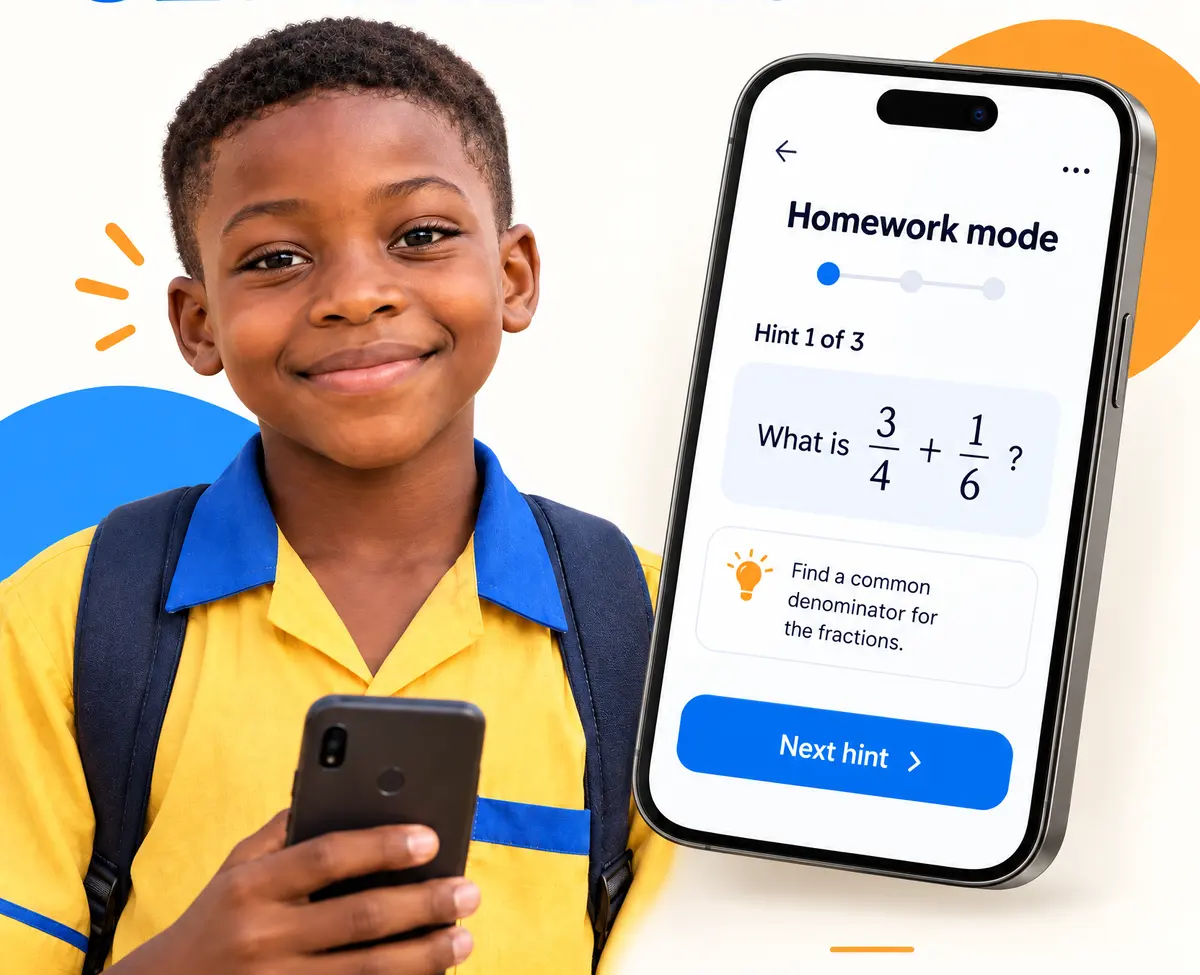 ParentsHints, not answers: how Aboki helps children learnWhy Aboki’s homework mode gives up to three hints instead of the answer, what a hint looks like, and how parents and teachers can use it.
 How it worksSmall language models, explained simplyWhat a small language model is, how Gemma, Qwen and llama.cpp let AI run on an ordinary phone, and why a smaller model can still be useful.
 SchoolsBringing offline AI to your school: a pilot checklistA practical checklist for head teachers and programme leads planning a small offline AI pilot: phones, loading, library packs, parents and what to measure.
 How it worksWhat Aboki can't do yet, and why we say soAnswers mostly in English, small-model mistakes, slow phones and no field data yet: the honest limits of offline AI today, and where partners can help.
Ready to try it on your phone?
Android 7 or newer, 3 GB of memory or more. Install the app, then add a model by downloading it once or copying it from another phone.