A little help. Right on the phone.
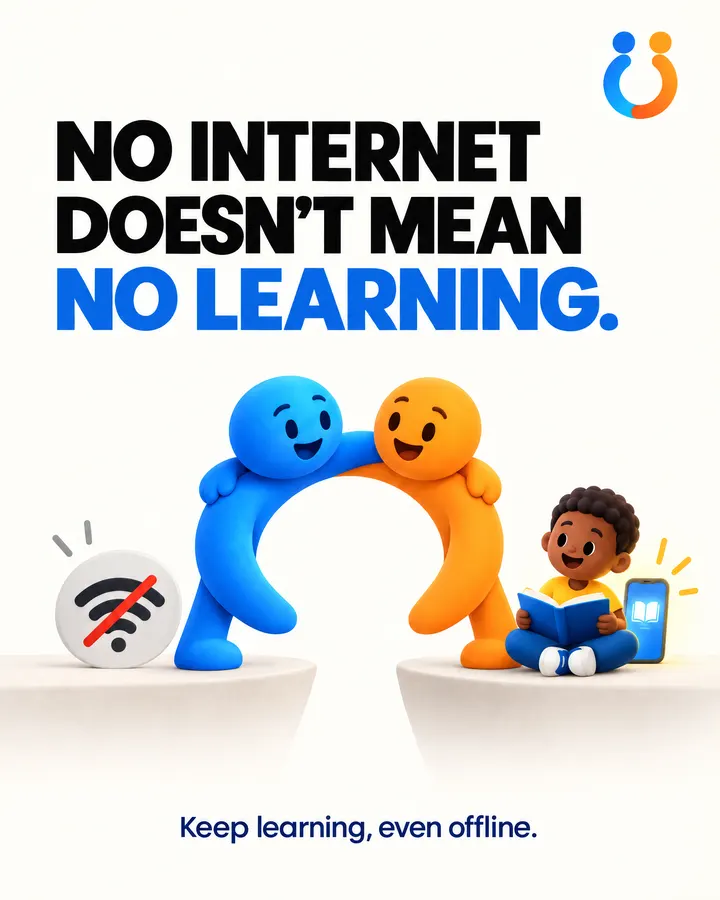
Bring practical, offline-first learning support to every learner in your school, even where the internet is not always available.
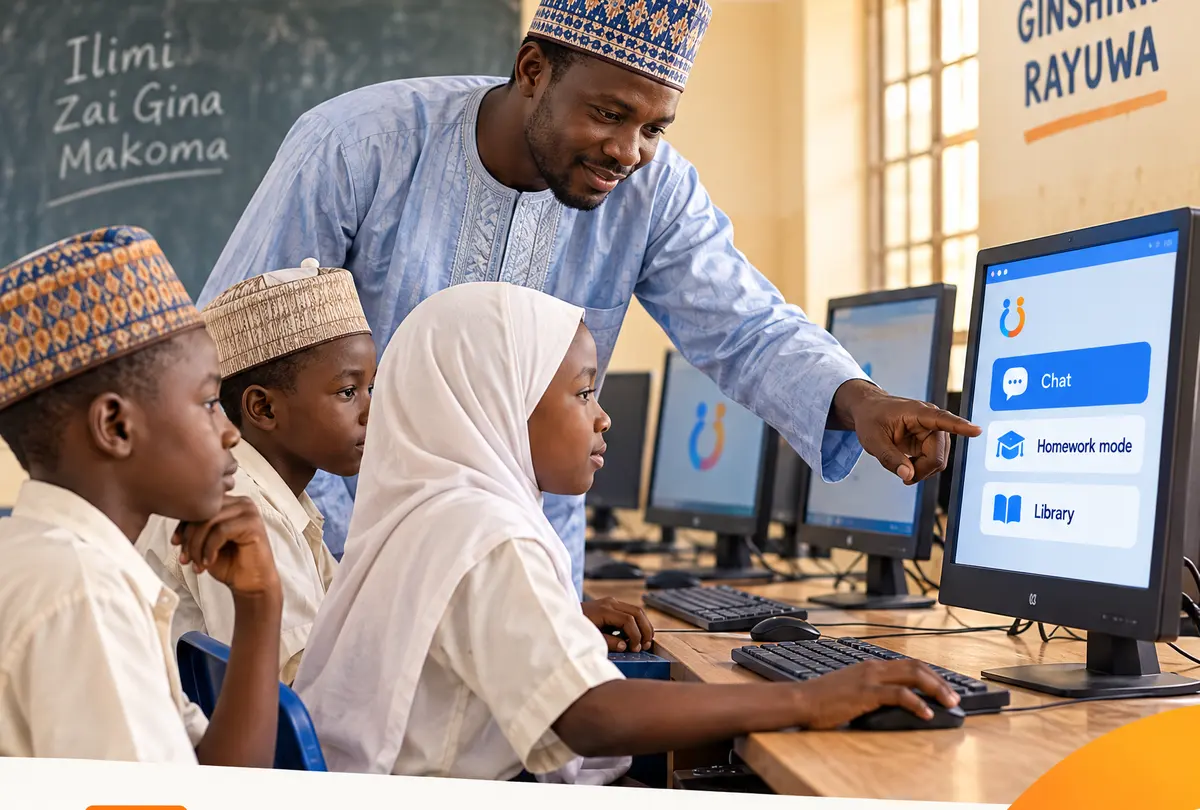
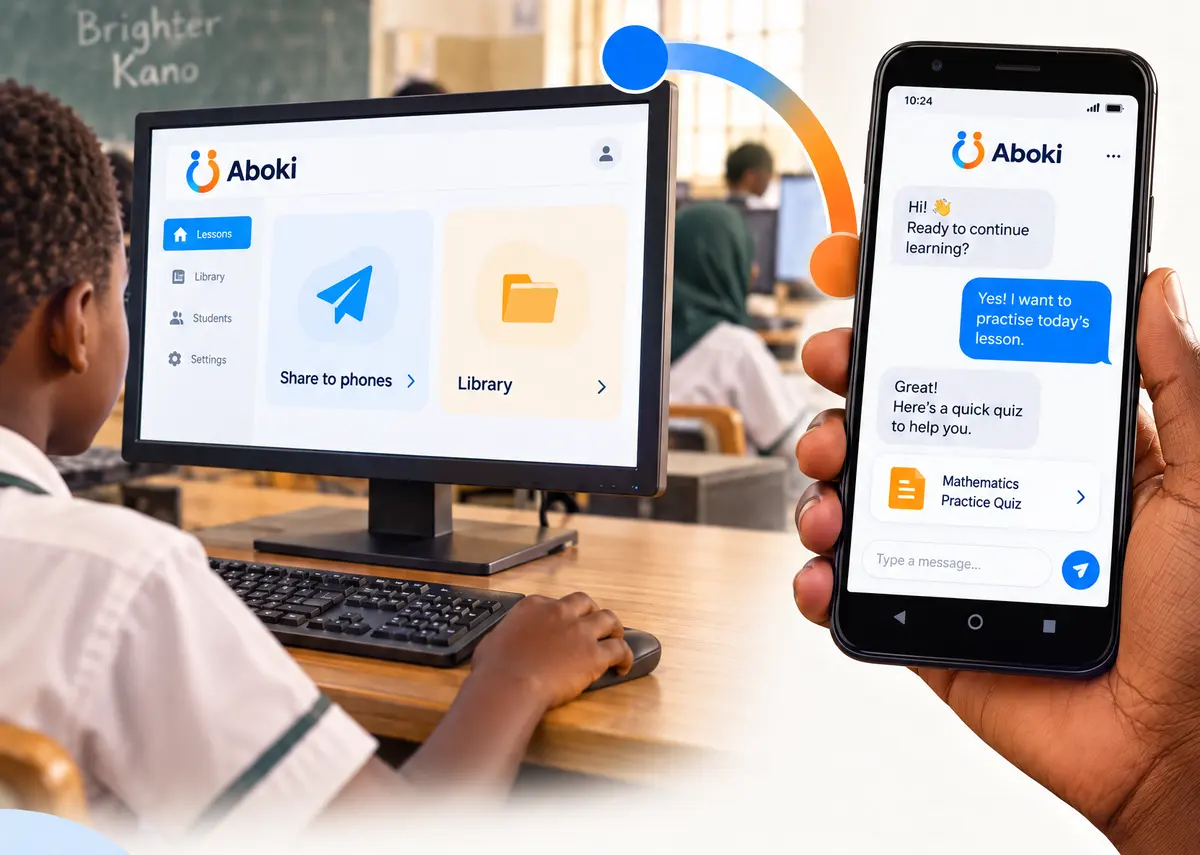
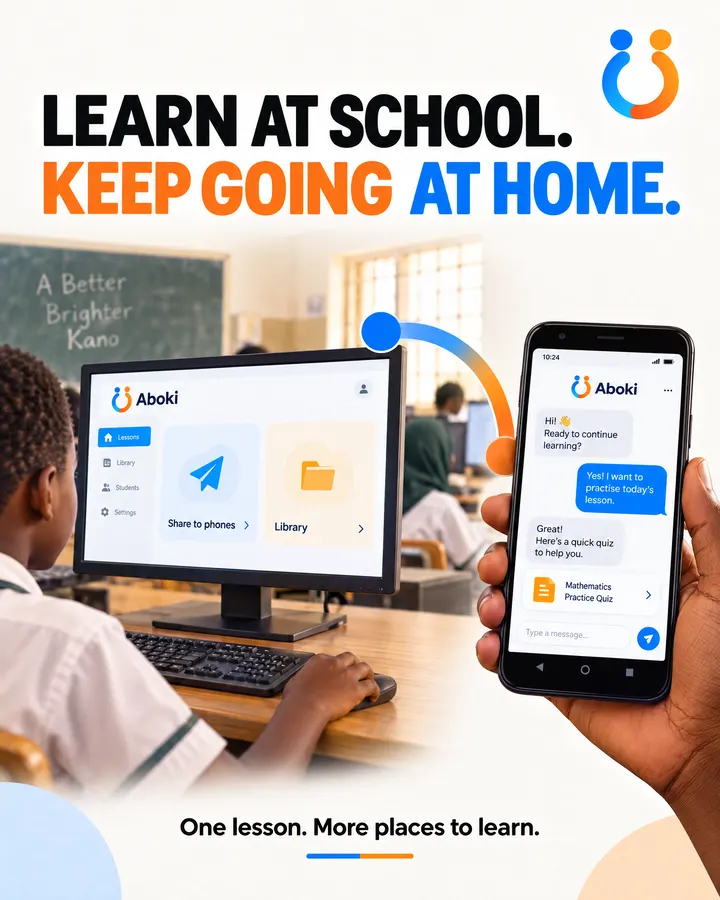
Learn at school. Keep going at home.
The lesson ends at the gate; the homework does not. Aboki goes home on the parent's phone, so a pupil stuck on fractions at night gets a patient next step instead of a blank page.
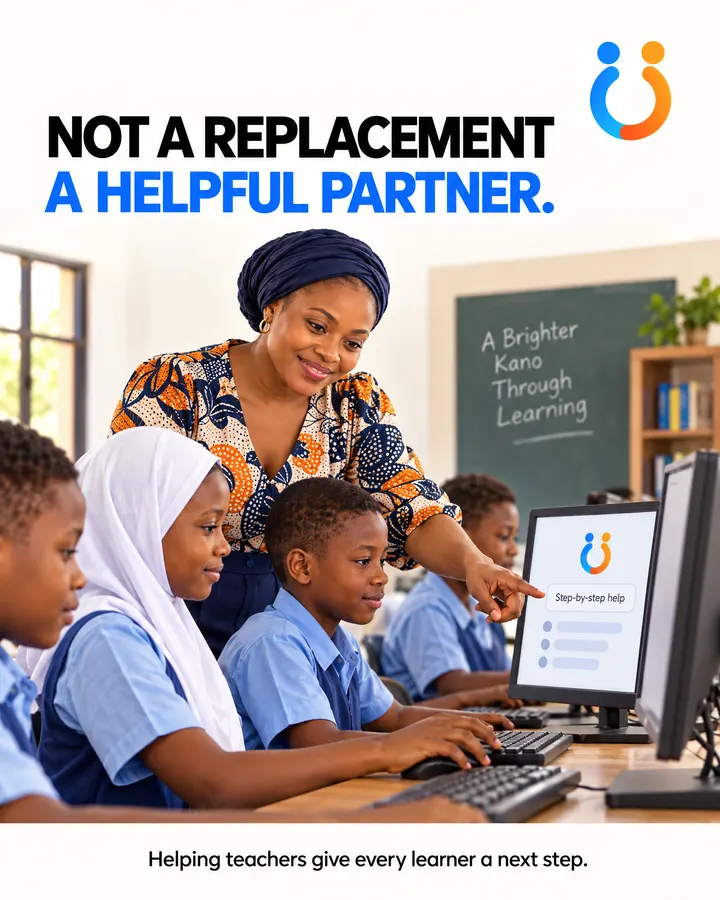
It is not a replacement for the teacher. It is a helpful partner that gives every learner a next step when the teacher cannot be there.
What Aboki brings to a school
Offline by design
Learning keeps moving at home when data is limited or gone. Every answer is worked out on the phone.
Library packs your teachers write
Aboki reads trusted notes before answering. Teachers can fill in a template with their own topics and share it like any file.
Homework mode for every family
Hints instead of answers, a parent PIN, schoolwork only, and the parent sees every question.
Loaded once, at school
Download the model once on the school Wi-Fi, then copy it to phones by SD card, USB or Xender. Families pay no data.
For the phones families have
Android 7 or newer with 3 GB of memory runs Aboki Lite. Aboki picks the model that fits each phone.
Calm, not overwhelming
A simple chat that keeps the next step clear, in English, Hausa, Yorùbá, Igbo or Pidgin menus.
Be one of the first pilots
Aboki has not been piloted yet. We are looking for a few schools to start small with us: one class or a few dozen families, a loading day at a parents' meeting, and honest conversations about what helps.
Answers are mostly in English for now, small models make mistakes, and cheaper phones answer slowly. We would rather say that at the start.

From our classroom posters
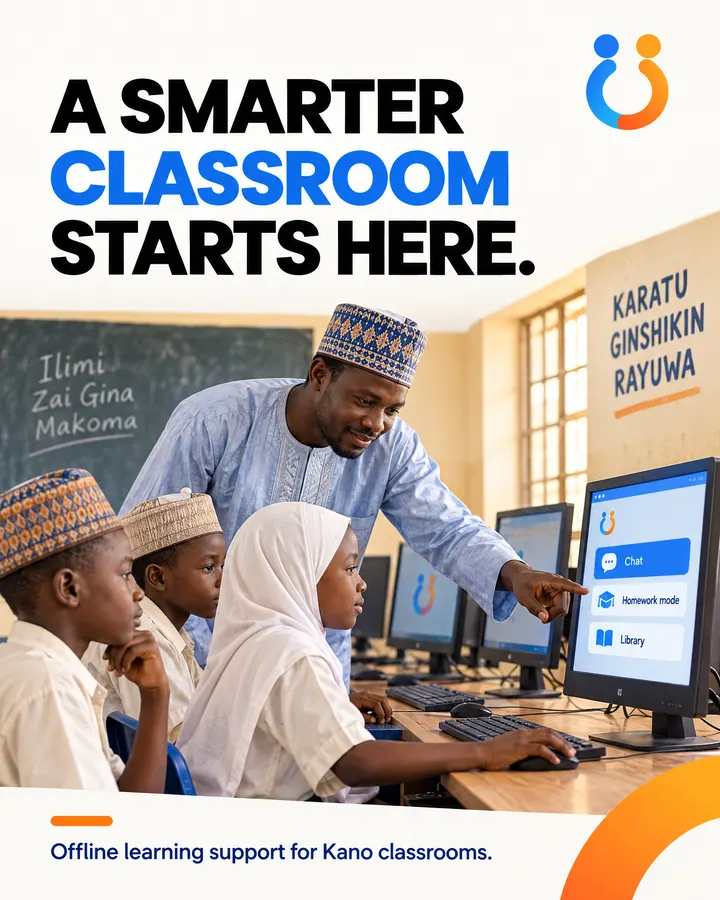
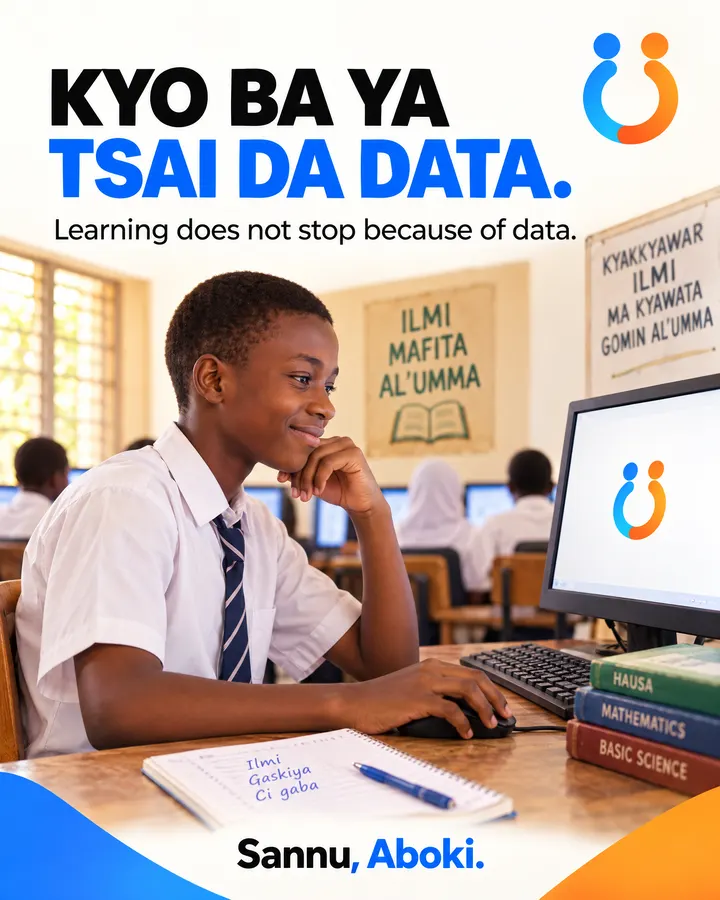
Made for schools in Kano. See the Hausa page.
Guides for schools
- Bringing offline AI to your school: a pilot checklistA practical checklist for head teachers and programme leads planning a small offline AI pilot: phones, loading, library packs, parents and what to measure.
- How to share Aboki from phone to phone with no dataSend the Aboki AI model to another phone with Xender, Nearby Share, Bluetooth or an SD card. Step by step, with no mobile data used.
- What Aboki can't do yet, and why we say soAnswers mostly in English, small-model mistakes, slow phones and no field data yet: the honest limits of offline AI today, and where partners can help.
Make learning support more reachable.
Android 7 or newer, 3 GB of memory or more. Install the app, then add a model by downloading it once or copying it from another phone.