Homework help without the internet: a guide for parents
Hand your phone to your child for homework without handing them the internet. How to set up Aboki homework mode with a parent PIN in five minutes.
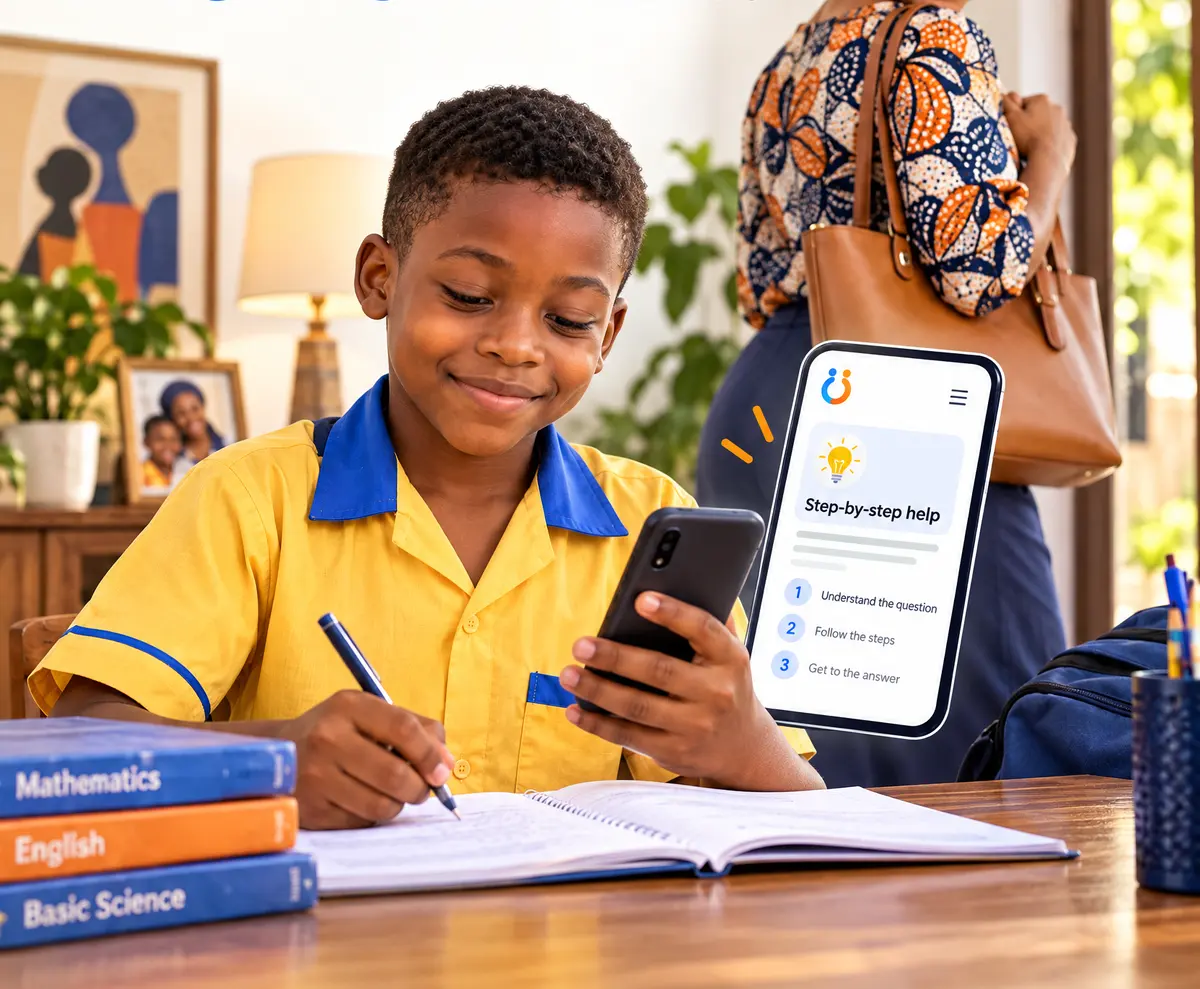
Many parents know this moment. Your child is stuck on a maths question, you are cooking or just back from work, and the only help in the house is the phone in your hand. But a phone with the internet on it can lead a child anywhere.
Aboki's homework mode is made for this. It turns the phone into a patient tutor that only talks about schoolwork, never touches the internet, and shows you afterwards what your child asked. Here is how to set it up.
Before you start
Aboki needs a model on the phone first. If you have not done that yet, follow how to use AI with no internet or data. For school subjects, Aboki Study explains step by step if your phone has 4 GB of memory or more; otherwise Aboki Lite works well.
Step 1: Create your parent PIN
Open the Parent tab. Aboki asks you to create a PIN of 4 to 6 numbers, then type it again. Keep it secret from your child. After 5 wrong tries Aboki makes everyone wait a minute, so guessing does not work.
Step 2: Turn on homework mode
When homework mode is on, Aboki will:
- Only help with schoolwork.
- Guide step by step, not give answers away.
- Block topics that are not for children, and gently suggest they talk to a grown-up they trust.
- Never use the internet.
The screen turns a warm orange so you can see at a glance that it is on. Adult-only models, like Aboki Health, are hidden.
Step 3: Keep your child inside Aboki
On Android, tap Pin to screen, then give the phone to your child. They cannot open other apps until you unpin it. To unpin, hold Back and Overview together, then enter your phone's screen lock.
On an iPhone, use Guided Access: Settings, then Accessibility, then Guided Access. Turn it on, open Aboki and triple-click the side button.
Step 4: Look at what they asked
Later, open Parent and enter your PIN. Under What your child asked you see each question with the day and time. Anything Aboki turned away is marked, so you know if something worried them. Your child is told this too: the chat screen says their grown-up can see the questions they ask.
How the hints work
A child who is handed the answer learns to copy. A child who is helped to find it learns to think. So in homework mode Aboki starts with the first step and a question back, and the child can ask for Another hint, up to three, or tap Check my answer. We wrote more about why in hints, not answers.
Tips from the kitchen table
- Sit with them the first time. Show them how to ask a question and how to ask for a hint.
- Let them take a photo of the question. Aboki can read printed words from a homework page. Handwriting is harder for it.
- Ask them to explain it back to you. If they can tell you how they got the answer, they have learnt it.
- Remind them Aboki can be wrong. The chat screen says “Check with your teacher” for a reason.
When homework is done, unpin the phone, open Parent and switch homework mode off to use Aboki yourself. For a shorter overview, see Aboki for parents.
Quick answers
- Can my child use Aboki without going on the internet?
- Yes. In homework mode Aboki never uses the internet, not even for updates, and screen pinning keeps your child inside the app.
- Will Aboki just give my child the answers?
- No. Homework mode guides with hints and questions, up to three hints at a time, so your child works the answer out.
- Can I see what my child asked?
- Yes. The Parent area, behind your PIN, shows every question your child asked, including any that were turned away.