How to use AI on your phone with no internet or data
Most AI apps send every question to a server. Here is how an offline AI app works on an Android phone, what you need, and what to expect.
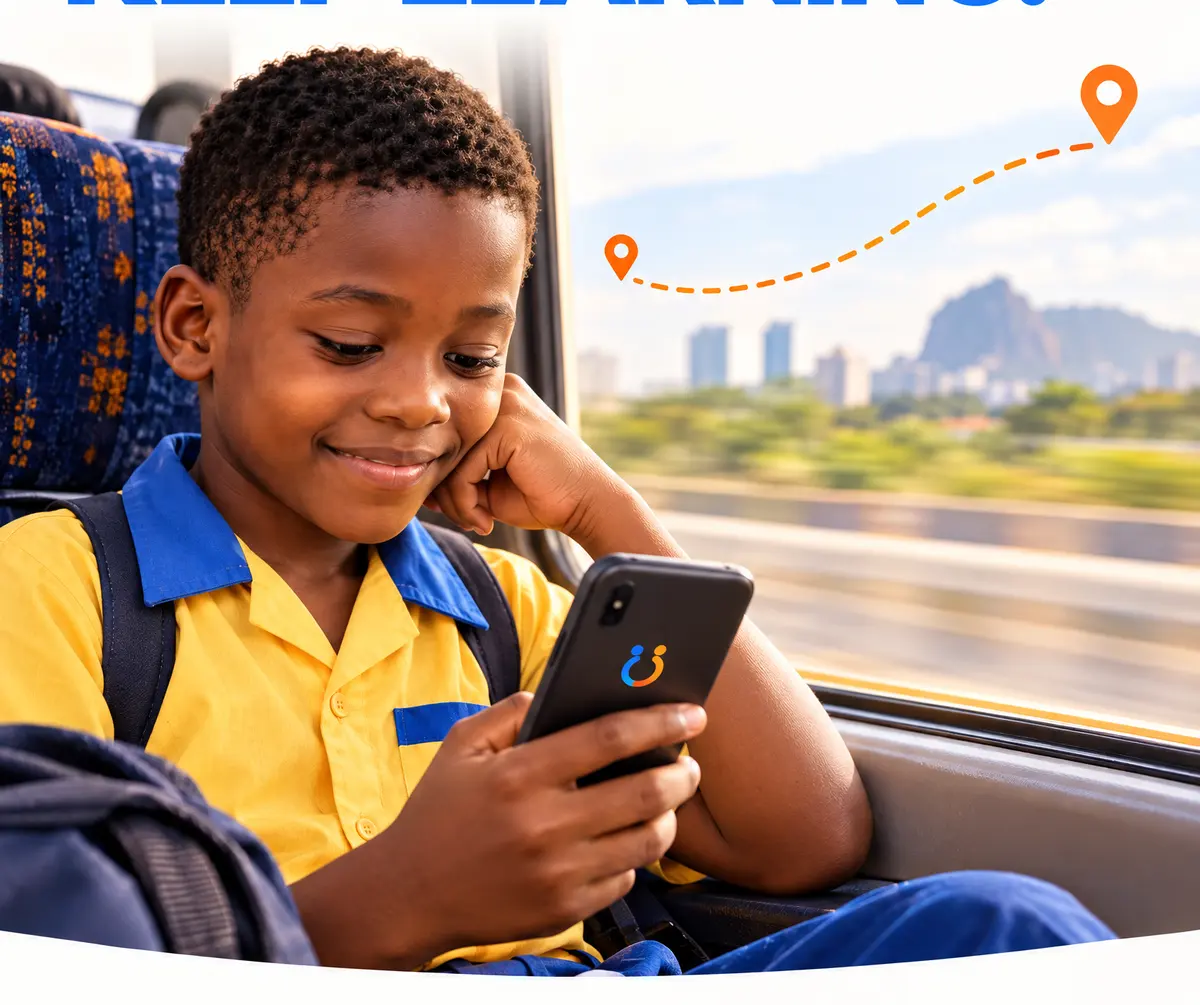
When you ask most AI apps a question, the phone does very little. It sends your words over the internet to a large computer somewhere else, waits, and shows you the reply. That is why they stop working the moment your data runs out or the network drops.
There is another way. A small language model can live on the phone itself, like a song or a video you have saved. Then the phone does the thinking, and no internet is needed at all. Aboki works like this.
What “offline AI” really means
An AI model is one large file. Big online models are hundreds of gigabytes and need a data centre. Small ones are made to fit on a phone: the smallest model Aboki uses, Aboki Lite, is 704 MB, about the size of a long film.
Once that file is on your phone:
- Every answer is free. There is no data, airtime or subscription to pay.
- It works anywhere: on a bus, on a farm, during a network outage, in airplane mode.
- Your questions stay on the phone. Nothing is sent anywhere to be answered.
What you need
- An Android phone, version 7 or newer. Most Tecno, itel, Infinix and Samsung phones sold in recent years qualify.
- 3 GB of memory (RAM) or more. You can find this in Settings, under About phone. Aboki also checks for you and recommends the model that fits.
- About 1 GB of free space for Aboki Lite. Bigger models need more; see which phone can run offline AI.
Getting the model onto your phone
This is the only step that involves moving a big file, and it only happens once. There are three ways, and two of them use no data:
- From a friend's phone. If someone near you already has Aboki, they can send you the model file with Xender, Nearby Share or Bluetooth.
- From a memory card or a computer. A school, community centre or phone shop can copy the file onto an SD card or straight onto your phone.
- Download it once on Wi-Fi. Aboki shows the size before you start, and big downloads wait for Wi-Fi unless you change that.
Then open Aboki, go to Models, tap Choose model file and pick the file. Aboki copies it in. The step-by-step version is in how to share Aboki from phone to phone.
What to expect the first time
The first time you ask a question, Aboki has to wake the model up. This takes about a minute. After that, answers appear a few words at a time while the phone works them out. On a cheaper phone that is slower than an online chatbot. It is the price of doing everything on the phone, and you can start typing your next question while you wait.
What offline AI is good at, and what it is not
A small model is good at explaining things simply, helping with schoolwork, drafting a letter, and answering everyday questions about health, farming and money. Aboki reads its offline library notes before answering on those topics, which makes it more accurate there.
It is not a search engine. It does not know today's news or prices, and it can make mistakes. Aboki says so on every chat screen, and for anything serious, such as a fever that will not go down, it tells you to see a health worker. We explain more in what Aboki can't do yet.
Does it ever use the internet?
Only when you ask it to. If you have Wi-Fi, you can choose to download a new model, a library pack or an app update. Nothing downloads by itself. In homework mode, for children, Aboki never uses the internet at all.
Quick answers
- Can I use an AI chatbot without internet?
- Yes, if the AI model is stored on the phone itself. Aboki keeps a small language model on the phone, so after the one-time setup it answers with no internet, no data and no subscription.
- Does offline AI use mobile data?
- No. Once the model file is on the phone, every question is answered on the phone. Data is only used if you choose to download a model or an update.
- What phone do I need for offline AI?
- For Aboki, an Android 7 phone or newer with 3 GB of memory (RAM) or more, and about 1 GB of free space for the smallest model.